
A social media approval workflow where nothing posts without a yes.
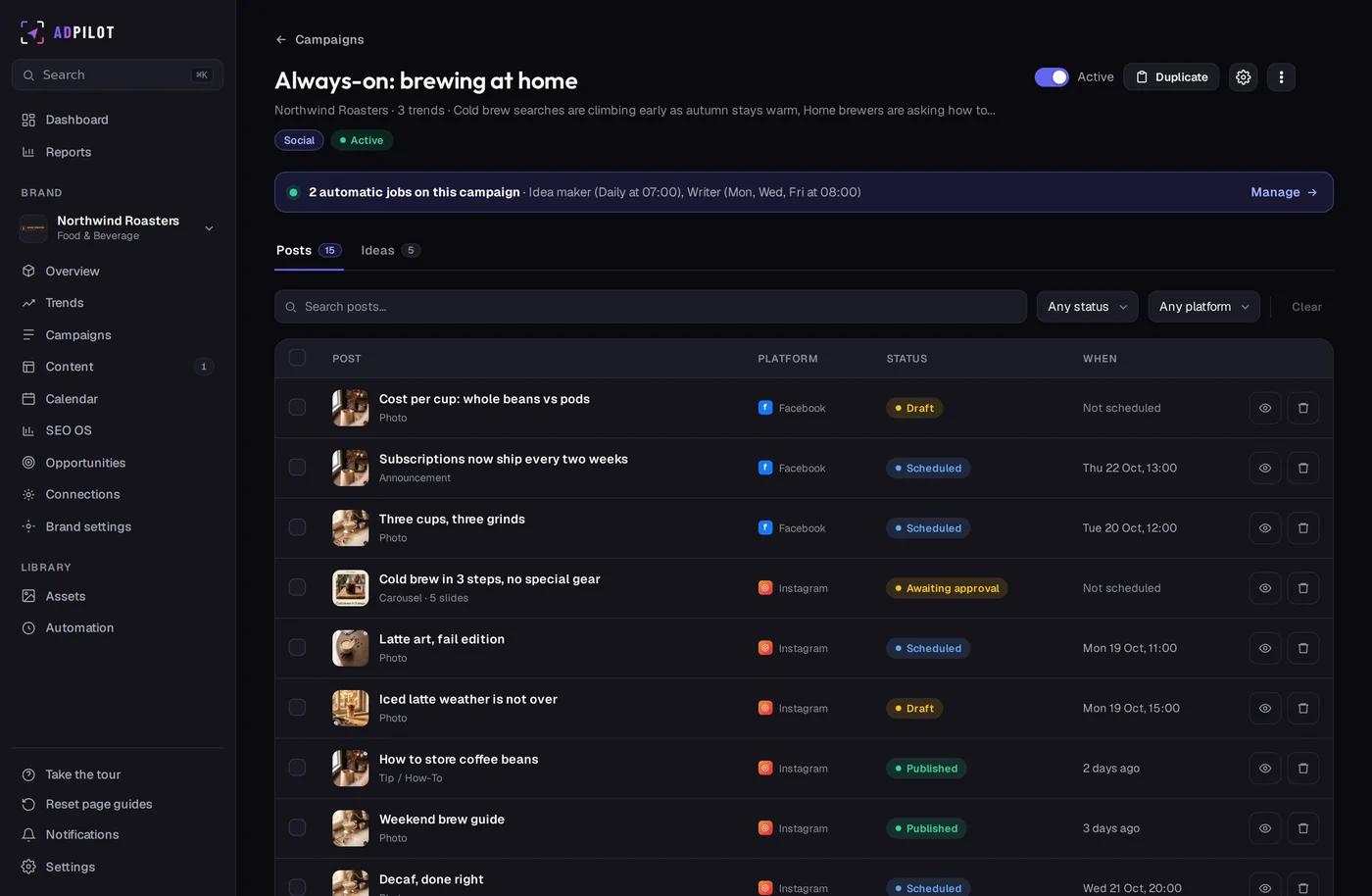
In ADpilot every post and article waits in an approval queue by default, and approving it schedules it. On Scale you can also send a client a review link: they approve, request changes or comment without creating an account. Every approval is recorded with who approved it and when.
Your team
How does approval work inside the team?
Drafts land in the queue as Awaiting approval. You edit, approve or reject; approving puts the post into the next good slot. Owners, admins and contributors work in the same workspace, and a post that fails a check stays in the queue even when publishing without asking is on.
Your clients
How do clients approve posts?
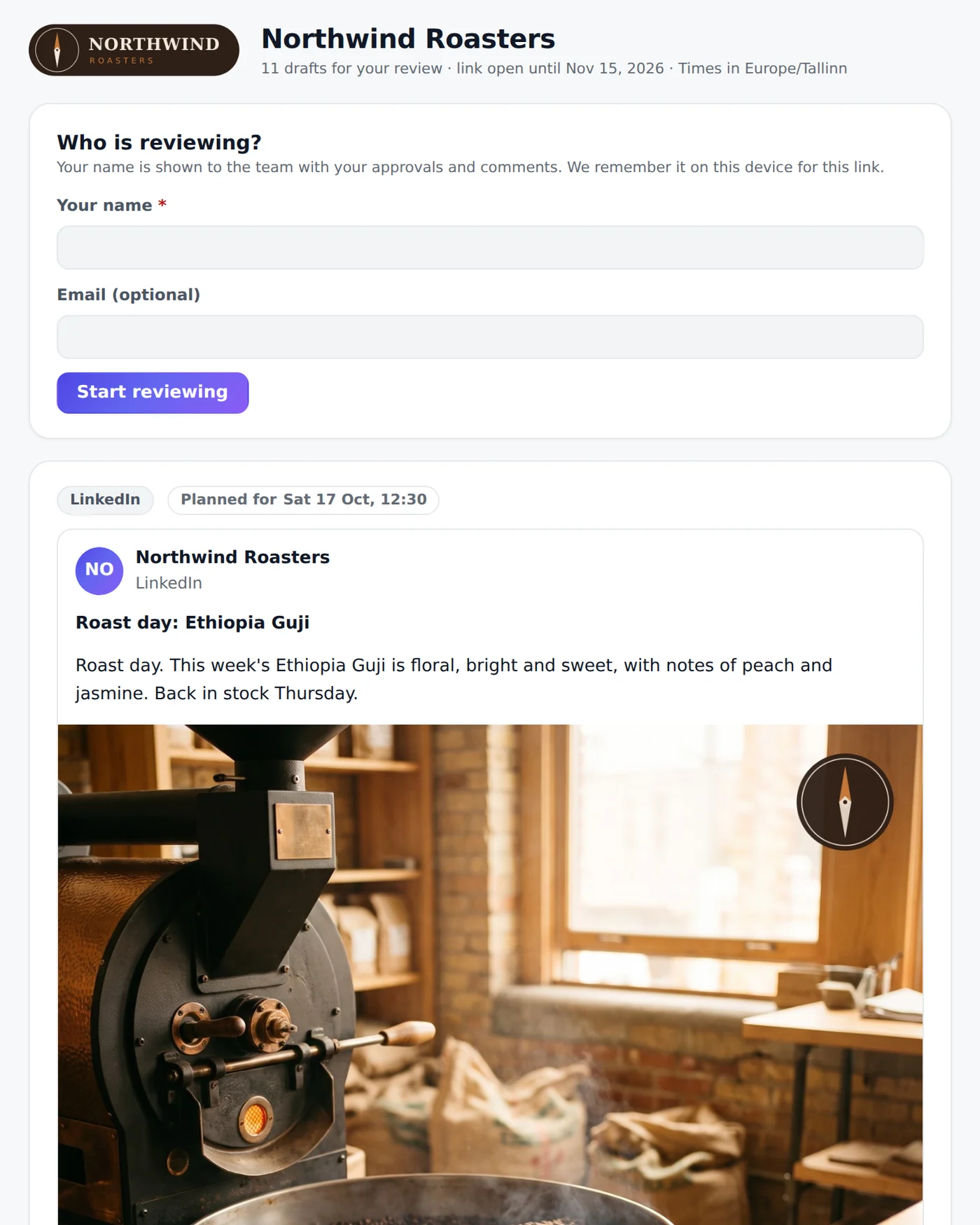
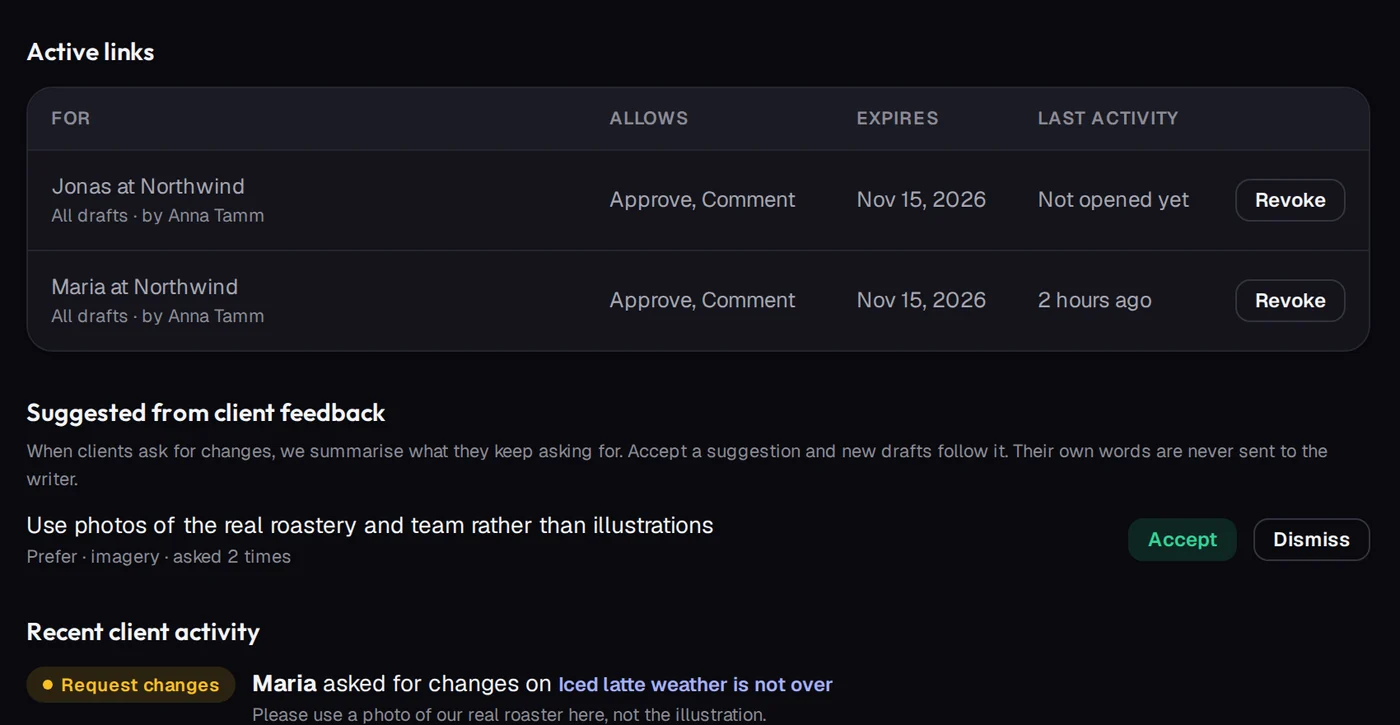
Create a link for all drafts or the ones you pick, valid for 7 to 90 days (30 by default), and choose whether the client can approve, request changes and comment. The client types their name and reviews. If you edit a draft after they approved it, the approval is taken back and they see that it changed. You can revoke a link at any time.
Their feedback
What happens to client feedback?
Change requests reach your team at once. When a client keeps asking for the same thing, ADpilot suggests it as a rule for the writers; an owner or admin accepts it, and only that short rule reaches the writer, never the client's own words.
The record
Can I show that a person reviewed it?
Each item shows whether a person reviewed it, who approved it and when, and whether a person edited it. You can download the whole review record as a CSV. Under EU AI Act Article 50(4), AI-generated text that informs the public needs an AI disclosure unless it went through human review and someone holds editorial responsibility; this record is your evidence of that review.
Real ADpilot screens, demo brand
Questions
Straight answers.
Do clients need an ADpilot account?
No. They open the link, type their name and review. Only a fingerprint of the link is stored, so a leaked database cannot be turned back into working links.
Does a client approval publish the post?
No. A client approval never publishes or schedules on its own; your team schedules it. You can require client approval per brand, so a post cannot be scheduled until the client's latest answer is approve.
Which plan includes client review links?
Scale. The internal approval queue is on every plan.
What does the client see?
The brand's own logo and name, the drafts with their platform and planned time, and a small "Review powered by ADpilot" line at the bottom.

Your first drafts are an hour away.
Set up a brand from your website in a few minutes. Start autopilot and the first drafts usually wait in your queue within the hour. You approve every one.
From €79/mo - 7-day free trial of Scale, no card