

Journal
llms.txt example for a small business website

An llms.txt example for a small business website is a Markdown file at yoursite.com/llms.txt with your business name as an H1, a blockquote summary, and H2 link lists for services, contact, pricing and FAQs. Only the H1 is required. nothing guarantees AI citations.
What a small business file usually contains, in order:
- An H1 with the business name
- A one-paragraph blockquote: what you do, where, and how to book
- An H2 for business information (About, Contact, Service area)
- An H2 for services, one link per service page
- An H2 for policies and FAQs (pricing, warranty, returns)
Table of Contents
- What llms.txt is and what the proposal requires
- A complete llms.txt example for a small business website
- Templates for restaurants, practices, shops and agencies
- How to publish llms.txt on WordPress, Shopify, Wix and other hosts
- How to check your llms.txt and whether AI crawlers read it
- llms.txt vs robots.txt, sitemap.xml and schema: what to do first
- Keeping your llms.txt example for a small business website accurate
- Frequently Asked Questions
- Where to start
What llms.txt is and what the proposal requires
llms.txt: a Markdown file, usually at a website's root, that gives large language models and AI agents a short summary of the site plus links to its most useful pages.
Jeremy Howard of Answer.AI published the idea on September 3, 2024. The llms.txt proposal now labels its current version "v2" and describes the file as a way "to provide information to help agents use a website." It's a proposed convention. It isn't an established web standard.
The format rules fit on one screen:
- Location. The file lives at the root:
https://example.com/llms.txt. - Format. Plain Markdown, the same syntax used in README files and many docs tools.
- Required. An H1 naming the site or project. That's the only mandatory section.
- Recommended. A short blockquote after the H1 that explains the business and gives context for the links.
- Flexible. Ordinary paragraphs and lists can sit before or between the link sections.
- Links. Resource sections use H2 headings and Markdown links written as
[name](url), optionally followed by a colon and a note. - Subfolders. A file can also live at a path such as
/docs/llms.txtto cover URLs under that path. When several files apply, the most specific path wins.
The convention grew up around developer documentation. Platforms with large API references use it to point coding agents at clean docs instead of navigation menus and cookie banners. A small business has the same problem on a smaller scale. An agent that lands on your homepage has to guess which page holds your hours, your service area or your prices. The file removes the guessing.
What the file doesn't do matters just as much. The proposal makes no promise of inclusion, ranking, citations or traffic. It doesn't replace your HTML pages, structured data or robots.txt. It's one extra file, not a new search system.
That gap between publishing a file and actually being cited is the part we work on. ADpilot measures whether Google, Bing and AI answers in ChatGPT, Perplexity, Gemini and Copilot mention your business, which our AI search visibility page explains. It can't make any AI system read your llms.txt. No tool can, so we'd rather you measure the result than assume it.
A complete llms.txt example for a small business website
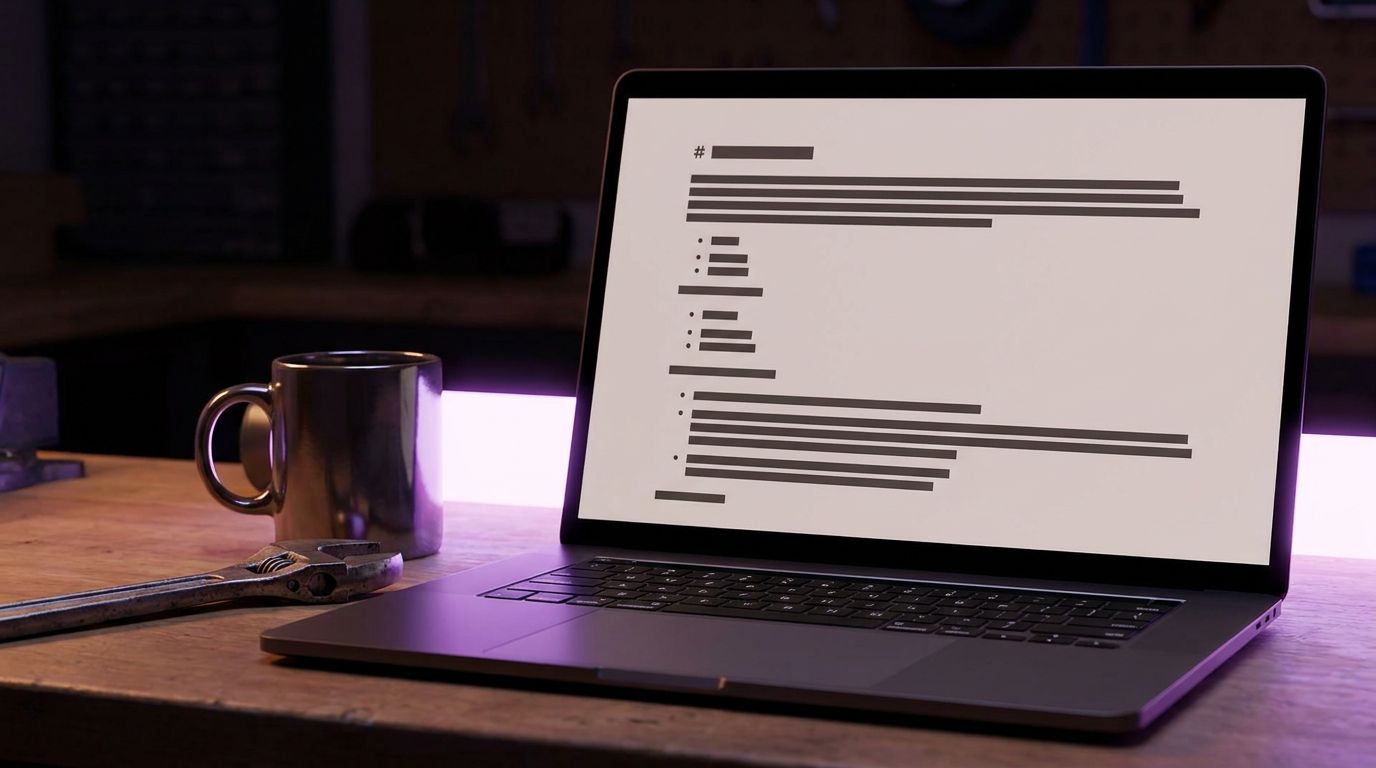
Here's a full llms.txt example for a small business website, a local plumbing company. Every URL is illustrative and 555-0100 is a placeholder number. Swap in your own pages.
# Example Plumbing Co.

> Example Plumbing Co. provides residential and small-business plumbing services in Springfield and the surrounding county. We offer emergency repairs, drain cleaning, water-heater installation, and fixture replacement. Call 555-0100 for appointments and emergency service.

## Business information

- [About Example Plumbing Co.](https://www.example.com/about): Company history, licensing information, and service area.
- [Contact](https://www.example.com/contact): Phone, email, address, hours, and appointment requests.
- [Service area](https://www.example.com/service-area): Cities and postal areas served.

## Services

- [Emergency plumbing](https://www.example.com/services/emergency-plumbing): 24-hour emergency repair information.
- [Drain cleaning](https://www.example.com/services/drain-cleaning): Service description and booking details.
- [Water-heater installation](https://www.example.com/services/water-heater-installation): Installation options and eligibility.

## Policies and FAQs

- [Pricing and estimates](https://www.example.com/pricing): Estimate policy and service-call fees.
- [Frequently asked questions](https://www.example.com/faq): Answers about scheduling, payment, warranties, and emergencies.
- [Warranty and guarantees](https://www.example.com/warranty): Current warranty terms.
Each part has a reason to be there.
The blockquote answers the first three questions any assistant gets: what you do, where, and how to reach you. If someone asks "who does emergency plumbing in Springfield," this paragraph is the shortest path to your business name.
Business information comes before services. Local questions start with location and contact details. Your name, address and phone number (NAP) should appear in the blockquote or on the linked Contact page, and both must match your Google Business Profile and your site footer.
Services get one link each. Point to the dedicated service page, not the homepage. A note after the colon tells the agent what's on the page before it fetches it.
Policies and FAQs hold the facts that change. Service-call fees, warranty terms and payment rules belong on your pages. The llms.txt file just points to them.
The proposal also gives special meaning to an H2 named "Optional." Links listed there can be skipped when an agent needs a shorter context. It's a sensible home for blog posts, older project galleries or press mentions.
Templates for restaurants, practices, shops and agencies
Each template follows the same shape as the plumbing file. Bracketed text is a placeholder. Fill it only with facts that already appear on your site, and delete any line you can't back up with a real page.
Restaurant or cafe
# [Restaurant Name]

> [Restaurant Name] is a [cuisine] restaurant at [street address, town]. Open [days and hours]. Book by phone at [number] or online.

## Visit
- [Menu](https://www.example.com/menu): Current dishes, prices and allergen notes.
- [Hours and location](https://www.example.com/visit): Address, parking, opening hours and holiday closures.
- [Reservations](https://www.example.com/reservations): Booking rules, group sizes and deposit policy.

## Policies
- [Private events](https://www.example.com/events): Capacity and how to request a quote.
- [FAQ](https://www.example.com/faq): Dietary needs, children, accessibility and takeaway.
Dental, legal or other professional practice
# [Practice Name]

> [Practice Name] is a [dental / family law] practice in [town] serving [area]. New patients or clients book through [page or phone number].

## Practice information
- [Our team](https://www.example.com/team): Practitioners, qualifications and professional registrations.
- [Fees and insurance](https://www.example.com/fees): Fee schedule, accepted plans and how estimates work.
- [First appointment](https://www.example.com/new-patients): Forms, what to bring and what happens on the day.

## Services
- [Service one](https://www.example.com/services/one): Who it suits and how it works.
- [Service two](https://www.example.com/services/two): Who it suits and how it works.

## Optional
- [Articles](https://www.example.com/blog): Plain-language guides for patients or clients.
Online shop
# [Shop Name]

> [Shop Name] sells [product category] online and ships to [countries]. Orders dispatch within [the window stated on your shipping page].

## Shop
- [Collections](https://www.example.com/collections): Main product categories.
- [Size guide](https://www.example.com/size-guide): Measurements and fit notes.

## Customer service
- [Shipping](https://www.example.com/shipping): Rates, carriers and delivery times by country.
- [Returns](https://www.example.com/returns): Return window, condition rules and refund method.
- [Contact](https://www.example.com/contact): Email, response times and order help.
Agency or freelancer
# [Agency or Your Name]

> [Name] is a [design / marketing / development] studio in [city] working with [client type]. New projects start with [a call / a brief form].

## Work
- [Services](https://www.example.com/services): What we do and what we don't.
- [Case studies](https://www.example.com/work): Published client work, shown with permission.
- [Process and pricing](https://www.example.com/process): How projects run and how quotes are built.

## Contact
- [Start a project](https://www.example.com/contact): Brief form and availability.
Keep the shop file focused on policy pages. Agents answering "does this shop ship to the UK" or "what's the return window" need those pages more than individual product URLs.
How to publish llms.txt on WordPress, Shopify, Wix and other hosts
To publish llms.txt: (1) write the Markdown file, (2) upload it to your site root, (3) open yoursite.com/llms.txt to confirm it loads.
Save the file as plain text in UTF-8 with the exact lowercase name llms.txt. Write it in any text editor. Word processors add hidden formatting, so avoid them.
How you upload it depends on who controls your web root.
cPanel or any host with file access. Open the File Manager, or connect over SFTP, and drop the file into the web root folder, usually public_html. It's the same folder that holds your existing robots.txt.
WordPress (self-hosted). Upload to the same root folder as wp-config.php through your host's file manager or SFTP. Some SEO plugins now include an llms.txt option. Use one method only, because a plugin-generated file and a manually uploaded file can conflict. Check which one actually loads in the browser.
Shopify. You can't place arbitrary files at the root of a Shopify store. Store owners usually turn to an app or upload the file through Files and add a URL redirect from /llms.txt. A redirect means the file technically lives at another address, and not every agent will follow it. Test the result before you rely on it.
Wix, Squarespace and Webflow. Hosted builders control the root directory themselves. Check each platform's current help center for llms.txt or custom file support, because options vary by platform and plan. If root hosting isn't available, the same redirect workaround applies, with the same caveat.
Subfolder files. The proposal allows /docs/llms.txt or similar, but that file only covers URLs under its own path. It doesn't replace a root file for a business site.
On any platform, check that the file is served as text and not wrapped in your theme's HTML. A file that loads inside your site header and footer isn't a clean llms.txt file.

How to check your llms.txt and whether AI crawlers read it
Start by checking whether you already have one. Type yoursite.com/llms.txt into a browser. Some platforms and plugins create the file without telling you.
For a stricter llms.txt check, run this in a terminal:
curl -I https://www.yoursite.com/llms.txt
You want an HTTP 200 status and a text content type. A 301 to your homepage, a 404, or a 200 that returns your HTML error page all mean the file isn't really there. Then click every link in the file and confirm each one loads the right page.
Next, find out whether anything fetches it. If your host gives you raw access logs, search them:
grep "llms.txt" access.log | grep -E "GPTBot|ClaudeBot|PerplexityBot|OAI-SearchBot"
Don't expect a crowd. 97% of llms.txt files in an Ahrefs study of 137,210 domains were never requested (Ahrefs, cited in Common Crawl's July 2026 analysis). In the same study, 28% of domains published a file. Common Crawl itself analyzed 584,107 llms.txt files and found that 11.72% of sampled URLs returned a text body for /llms.txt, and it warned that the figure is sample-specific, not a web-wide adoption rate.
Other 2026 samples land far apart. A June 2026 Rankability study of the top 10,000 websites found 5.61% had a valid llms.txt. Different methods give different numbers, so no single adoption figure is verified. The consistent lesson is simple: publishing a file and having it used are separate events.
Asking ChatGPT or Perplexity to "read yoursite.com/llms.txt" tells you the tool can fetch it on request. It doesn't prove the file shapes answers to anyone else's question.
Version 2 of the proposal, described in the llms.txt change notes, adds standard link relations so pages can point to their Markdown version and to the covering llms.txt file:
<link rel="alternate" type="text/markdown" href="/services/drain-cleaning.md">
<link rel="describedby" href="/llms.txt">
The same relations can be sent as an HTTP Link: header. Most small sites won't have Markdown copies of their pages, and that's fine. The describedby line on its own is a cheap addition.
Finally, look at competitors. Visit /llms.txt on the sites of five local rivals. If none have one, you lose nothing by being early. If some do, note which pages they chose to surface.
llms.txt vs robots.txt, sitemap.xml and schema: what to do first
Small business owners hear about all of these files at once. They do different jobs.
| File or markup | What it does | Format | Where it lives | Controls crawler access? | Status |
|---|---|---|---|---|---|
| llms.txt | Summarizes the site and links key pages for AI agents | Markdown | /llms.txt, or a subfolder path |
No | Proposed convention, v2 |
| llms-full.txt | Puts full page text in one file, a pattern seen on developer docs sites | Markdown | /llms-full.txt by convention |
No | Not required by the llms.txt proposal |
| robots.txt | Tells crawlers which paths they may fetch | Plain-text directives | /robots.txt |
Yes, for crawlers that honor it | Long-established convention |
| sitemap.xml | Lists the URLs you want search engines to find | XML | Usually /sitemap.xml |
No | Supported by major search engines |
| LocalBusiness schema | Marks up name, address, hours and services on the page | JSON-LD inside HTML | On each relevant page | No | schema.org vocabulary |
Do NOT use llms.txt to keep AI crawlers out of pages. The proposal defines it as an informational file of summaries and links, not access control. If you want to allow or block GPTBot, ClaudeBot or PerplexityBot, that rule belongs in robots.txt. Google-Extended works the same way: it's a token you name in robots.txt, not a separate crawler that reads llms.txt.
If you're short on time, work in this order. Each step relies on a mechanism search engines already use, and llms.txt sits on top of them.
- robots.txt. Confirm you aren't blocking the crawlers you want.
- sitemap.xml. Submit it in Google Search Console and Bing Webmaster Tools.
- Real pages with real facts. One page per service, plus Contact, Pricing and FAQ pages written in plain HTML text.
- Structured data. Add LocalBusiness schema, and FAQPage markup where it fits.
- llms.txt. Write it last, because it only points to pages that should already exist.
Generative engine optimization (GEO) gets talked about as if it needs special files. Mostly it needs steps 1 to 4 done well. Our step-by-step playbooks cover those foundations if you want a slower walk through each one.

Keeping your llms.txt example for a small business website accurate
A stale file does more harm than no file. If your llms.txt example for a small business website says you serve three towns and your Service Area page says five, you've handed an agent two conflicting answers.
Leave these out:
- Staging, dev or test URLs. A
staging.yoursite.comlink exposes an unfinished site and may show old prices. - Admin, login, cart, checkout and thank-you pages. They carry no useful information for an agent.
- Pages set to noindex. Listing them sends a mixed signal about what you want found.
- Facts that appear nowhere else. Don't put prices, licenses or guarantees in the blockquote unless the same facts sit on a page you link.
- Expired promotions. A seasonal offer in the file outlives the offer on the site.
- Personal details. Staff mobile numbers and private email addresses don't belong in a public text file.
Then give the file an owner and a schedule:
- Update it the same day you add, rename or remove a service page.
- Update it whenever hours, service area or pricing policy change.
- Once a quarter, click every link and confirm it returns the right page, not a redirect chain or a 404.
- Compare the blockquote against your Contact page and Google Business Profile, and fix any mismatch at the source.
- Re-run the curl check after any theme change, platform migration or plugin update.
Step 4 is where most errors hide. The file is only as accurate as the pages it points to, so fix the page first and the file second. We write more about keeping site facts consistent across Google, Bing and AI answers in the ADpilot journal.
Frequently Asked Questions
Is there an llms.txt validator or checker I can use?
Several free llms.txt checkers test whether the file loads, starts with an H1 and uses valid Markdown link syntax. Run one after any edit to your llms.txt example for a small business website, then click the links yourself. No validator can tell you whether a given AI system reads the file.
Does a one-page website need an llms.txt file?
It's optional for every site, and a one-page site gains the least, since there's little to route an agent between. A short file with the H1, a blockquote summary and a single Contact link still takes minutes to write. If your homepage text already states what you do, where and how to book, put your effort there first.
How long should a small business llms.txt be?
There's no required length. A 2026 panel study by rctrl found that 124 of 217 tested hosts, or 57.1%, served a file, with a median size of 14.4 KB, though that selected panel isn't representative of small sites. A useful llms.txt example for a small business website usually fits on one or two screens.
Can I write llms.txt in a language other than English?
The proposal doesn't restrict language, and Markdown handles any UTF-8 text. Write it in the language your customers search in and your pages use. If your site runs in two languages, link the main version of each key page and label the language in the link note.
Could llms.txt hurt my Google rankings?
Nothing in the proposal or the 2026 studies above shows search engines treating it as a ranking signal, positive or negative. It's a standalone text file that isn't part of your page HTML. The real risk is inaccuracy: outdated links or facts that contradict your pages.
Where to start
Check whether /llms.txt already exists on your site, then fix robots.txt, your sitemap and your service pages before anything else. Copy the llms.txt example for a small business website that matches your trade, fill it only with facts your pages already state, and confirm it loads with a 200 status. Then measure whether AI answers actually mention you, because the file alone promises nothing.
Start your 7-day free trial of Scale, no card: adpilot.ee/register